

A small habit with a useful answer.
- Add the accounts you want to track and their current balances.
- Record a purchase with its amount, account and category. Reuse a previous transaction for repeat purchases.
- Check Home for your estimated safe-to-spend amount, then open the explanation to see how it was calculated.
Plumb does not read your bank transactions. Your figures reflect what you enter, so check account balances regularly and record missed purchases.
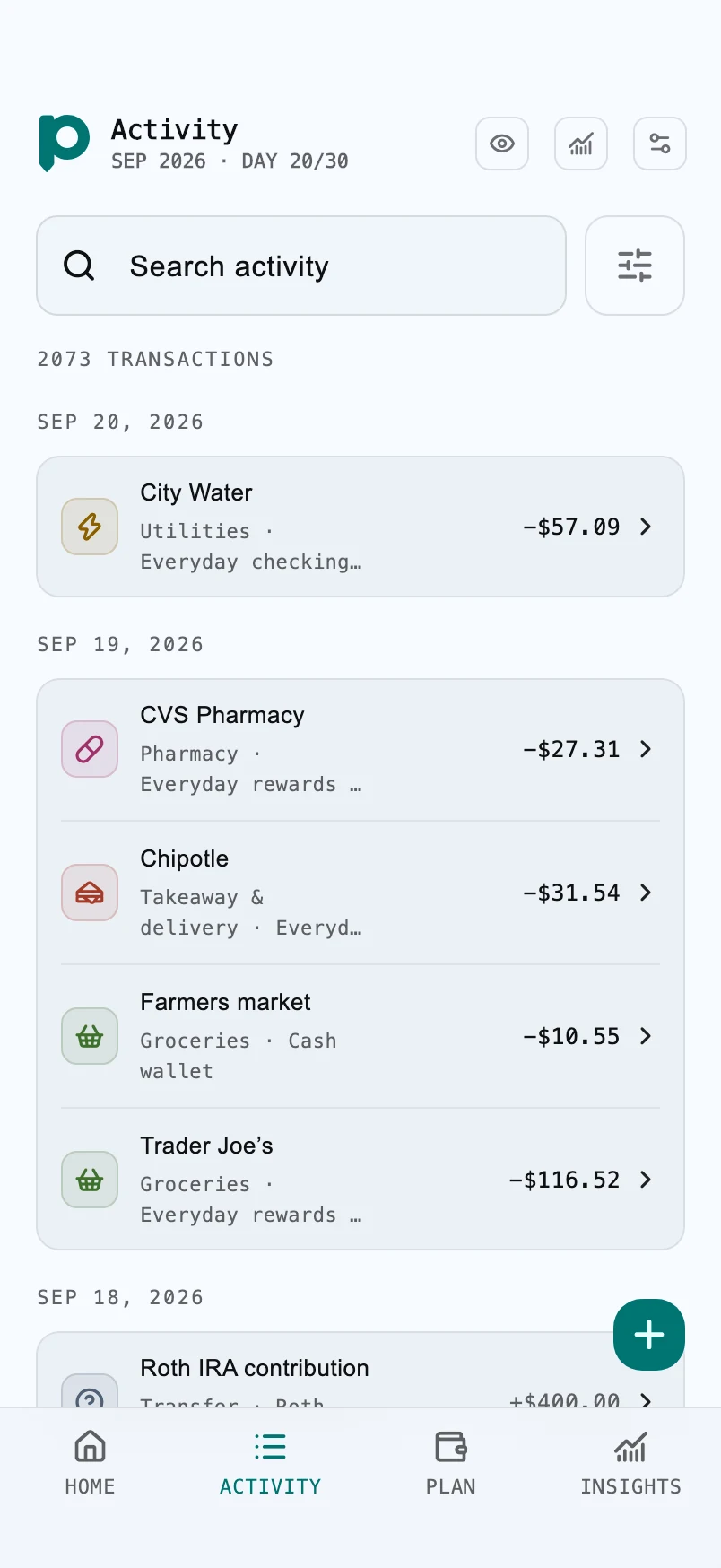
More than a list of purchases.
Search your activity, filter by account or category, and follow spending against your cycle plan. Move money between tracked accounts in the same currency without counting the transfer as an expense.
Set savings goals and recurring schedules. Scheduled payments are recorded only when you confirm they happened. History-based insights explain their assumptions; they do not guarantee future balances.
Start free, with room to grow.
Free includes up to three accounts, three goals and three currencies, unlimited transactions and two cycles of insights. It includes ads. Pro and Max remove ads and add larger limits, more history and CSV export. Compare the plans.
Does moving money count as spending?
A transfer between your tracked accounts in the same currency does not count as an expense. Avoid also recording it as income or a purchase. If the totals look different from your actual balances, check the account, date and recent activity before making an adjustment.
For a worked example, follow the manual-budget balance check, from a missing purchase to a transfer between accounts.
Make the next step clear.
Learn how budgeting without a bank connection works, or try the safe-to-spend calculator before building your first wallet.