
SOMETHING TO LOOK FORWARD TO
Big plans.
Big plans.
Little by little.
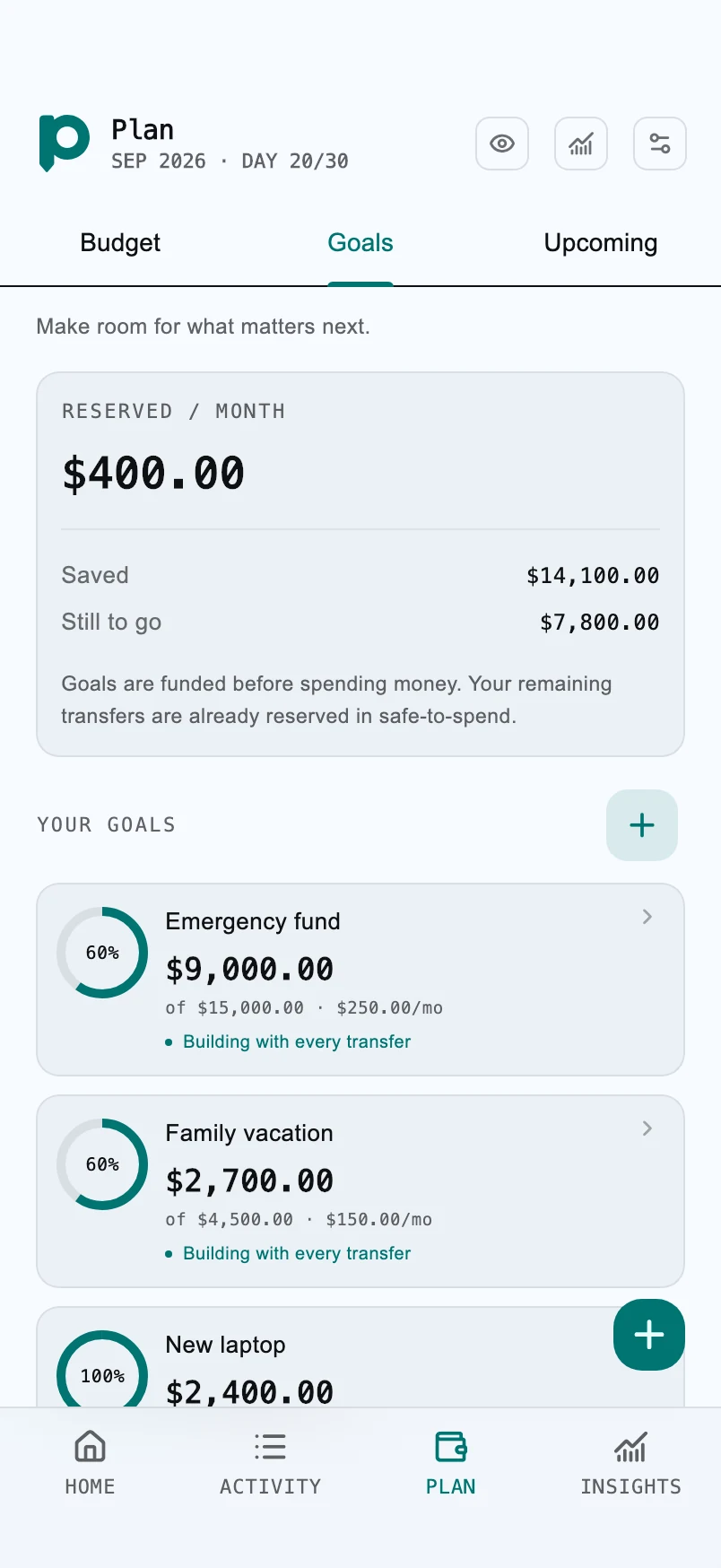
A rainy-day fund or a somewhere-new fund. Give your goals a place in your everyday plan.
YOUR MONEY, IN PERSPECTIVE
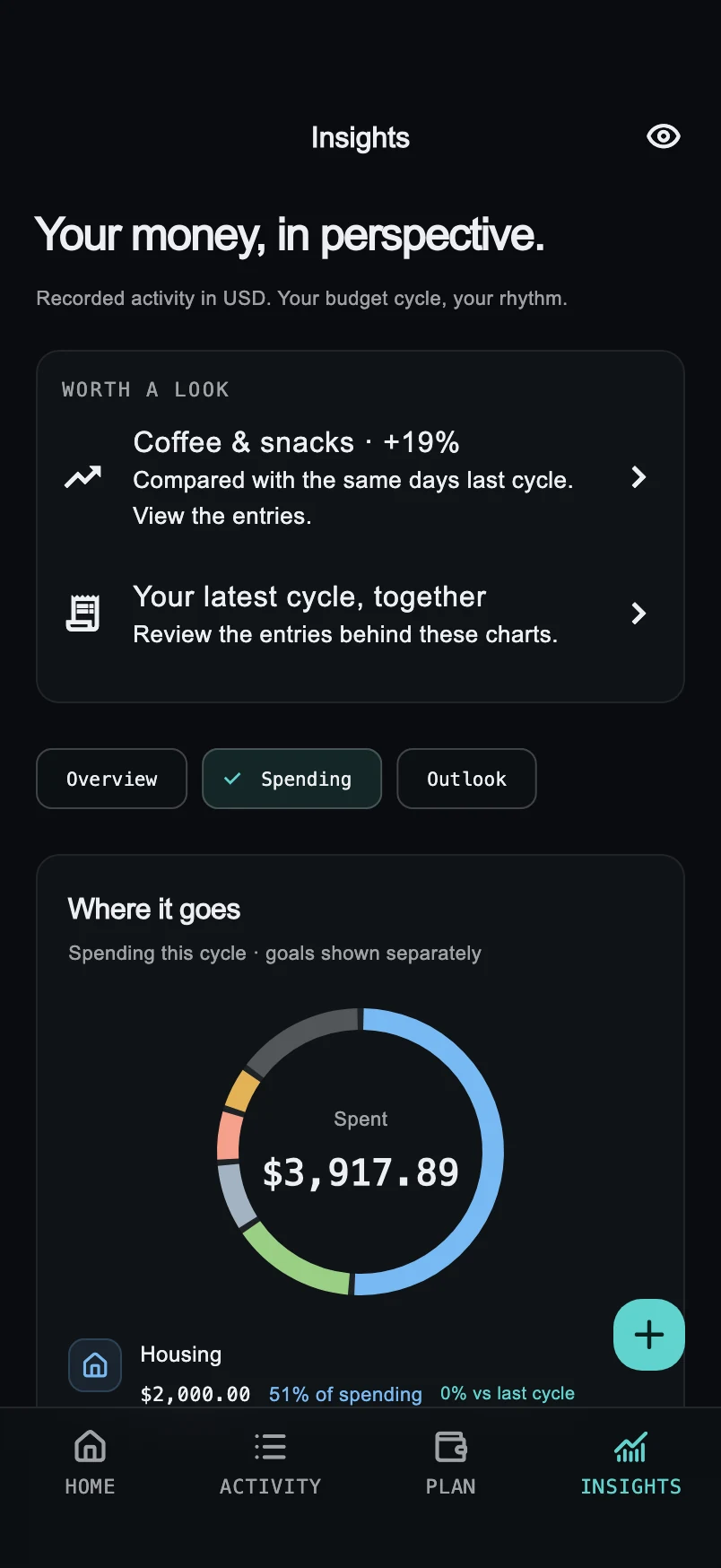
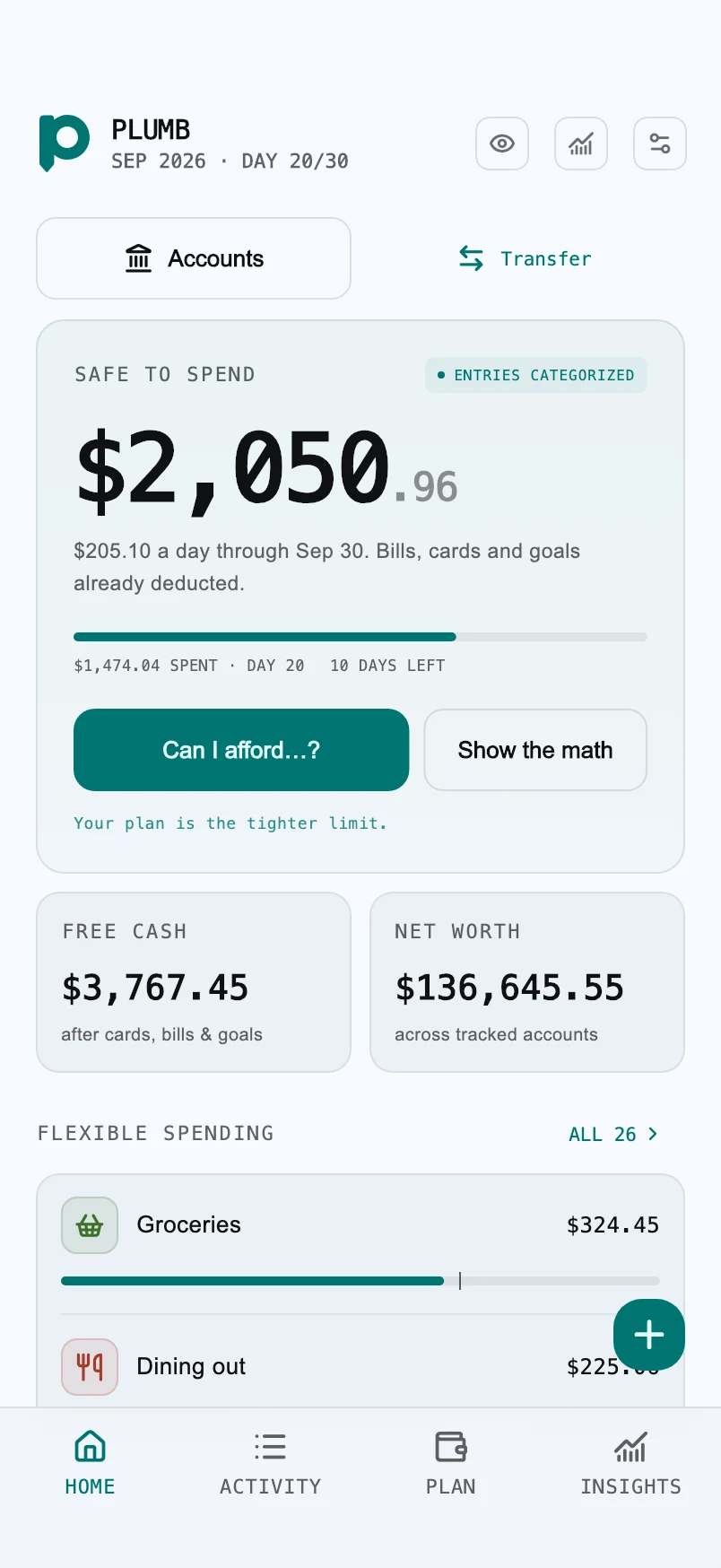
Know what’s safe to spend. Make room for what matters. A calmer way to look after your money, right on your iPhone.

Explore the launch. Share what you’d improve.
MEET YOUR EVERYDAY WALLET
Your coffee, your rent, your next adventure.
Give every part of your
money a little attention.
FOR REAL LIFE, NOT JUST SPREADSHEETS
A rainy-day fund or a somewhere-new fund. Give your goals a place in your everyday plan.
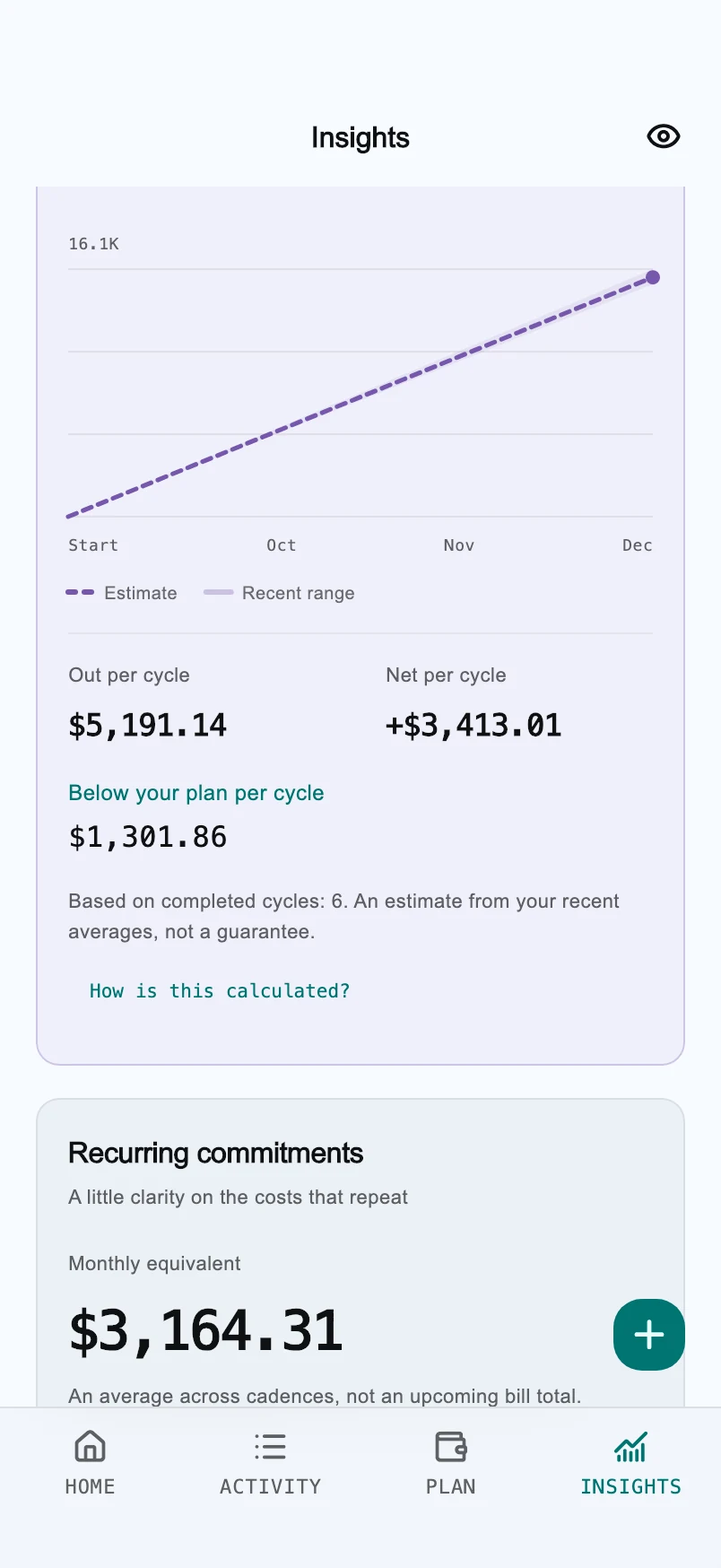
After two months of recorded history, explore projections based on your habits. A guide for planning, with the assumptions explained.
Choose when your budget cycle starts. Your month doesn’t have to begin on the first.
Organize, add and color your categories. Keep your most-used choices close at hand.
Track cash, checking, savings, cards and investments. Move money without counting it twice.
YOUR LIFE IS PERSONAL
Plumb keeps your wallet on your device. No bank connection, no account to create, and no wallet records sent to advertisers. Free includes ads; Pro and Max are ad-free.
Your accounts, transactions and goals stay in your local wallet.
Use Face ID, Touch ID or your device passcode. Hide your balances with a tap.
Create a password-encrypted backup on any plan, and choose where to save it.
START SMALL. MAKE ROOM.
The basics are free. Choose more room when you need it.
Your everyday starting point.
A wider view of your everyday.
For every account, goal and currency.
USD prices shown. Local prices and availability are displayed in the app. Paid plans renew automatically unless canceled through your app store. Subscription details
No. You add your accounts and record transactions yourself. Plumb never needs your banking credentials. Balance checks help you keep your recorded figures in step with your actual accounts.
Yes. Free includes 3 currencies, up to 3 accounts, up to 3 goals, unlimited transactions and 2 cycles of insights, with ads. App Lock and encrypted wallet backups are available on every plan.
It’s an estimate based on the balances, spending, bills, cards and goals you’ve recorded. Plumb shows the calculation so you can understand what’s included. Keep your entries up to date; it can’t see money you haven’t recorded.
Yes. Create an encrypted backup, save the file, and restore it on the other iPhone with your backup password. There is no automatic cloud sync. Plumb cannot recover a forgotten backup password. How backups work
Plumb is designed for iPhone with iOS 15 or later. The app supports English and French, and includes light and dark appearances.
No. Projections are estimates drawn from your recorded history, available once there is enough data. They don’t predict unexpected income or expenses and aren’t financial advice.

YOUR NEXT LITTLE GOOD HABIT
Your money, a little clearer.
Your day, a little lighter.

Free to download. Optional in-app subscriptions.